This is where vibe coding comes in
From what I understand so far, vibe coding is basically building things by describing what you want instead of knowing exactly how to code it.
Instead of: "How do I code a landing page?" it's more like: "Make me a landing page that looks like this and does this." And then it just… does it?? Which still feels crazy to me.
Why I'm using Cursor
I feel like there are a million AI tools right now, but Cursor actually feels like something I can learn from, not just use.
It helps you build things, but it also shows you where the files are, how everything is structured, and how front end and back end connect.
So it's not just "click a button and get a website," but it's more like you're building it with training wheels. Also, everything is local, meaning everything runs on your computer, which makes it feel way more real and less like some random tool doing things behind the scenes.
How it actually works (very beginner explanation because I'm still figuring it out too)
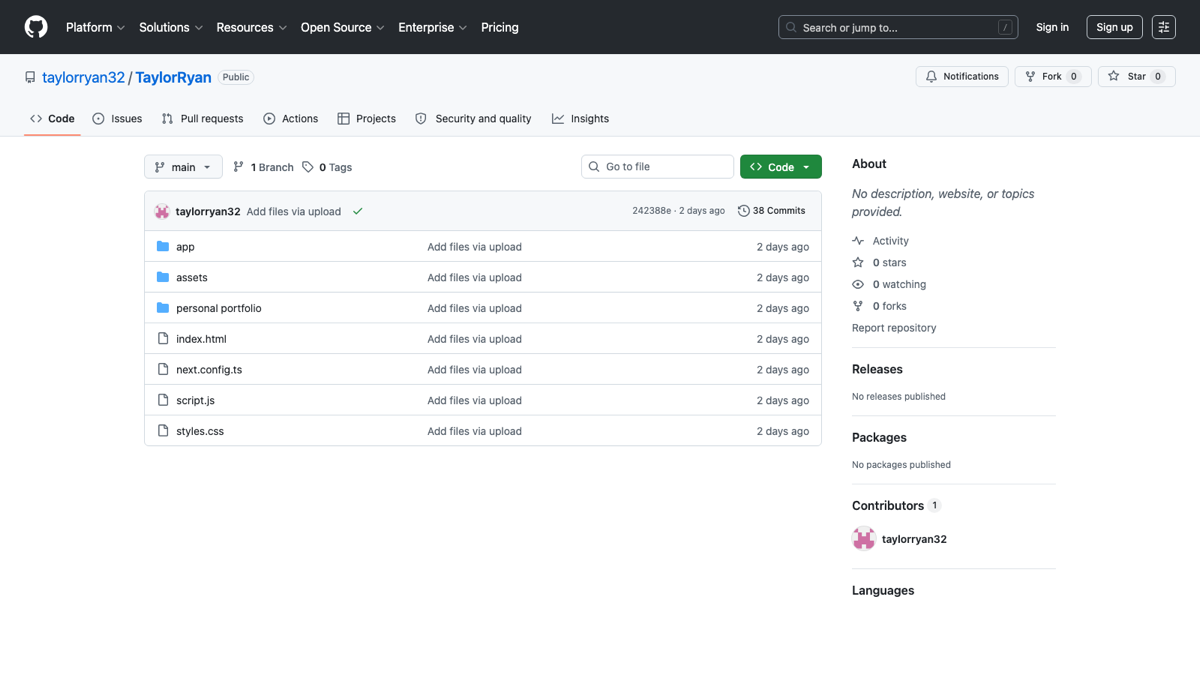
Everything is basically organized like folders on your computer: Project → folder → files.
And then in Cursor: left side = all your files, middle = what's inside the file, right side = the AI.
The AI agent
You can literally ask it to do so many things: create files, edit them, research things online, run the code, fix issues. Like… what??
And when it runs locally, it basically means the website is running from your computer, which is kind of wild because that's how real websites work too (just on servers instead of your laptop).
When things break or don't work
This is honestly my favorite part.
Other tools just… break and you're stuck. But with Cursor, you can literally ask "why is this not working?" and it will explain it or fix it. Since everything is on your computer, you actually have control over it, which makes a huge difference.
How I feel about all of this
I'm not going to act like I know what I'm doing because I don't haha.
It's definitely overwhelming sometimes, and there are moments where I'm like, okay wait… I have no idea what just happened.
But then something works and I'm like wait… I made that??
That feeling is honestly the best part. I love figuring things out, and if I don't know something, I'm going to try to solve it, and when I do, it's the best feeling.
What I'm doing next
Right now I'm just messing around: testing prompts, building random websites, trying to understand what the code is actually doing.
I also really want to document this whole process because I feel like there are so many people who want to get into this but don't know where to start (literally me like a week ago).
So this is me starting. We'll see where it goes — and come along for the journey.